
Description
Data Access and Wonder Wheel Control
3 Pin BMW Navigation Interface
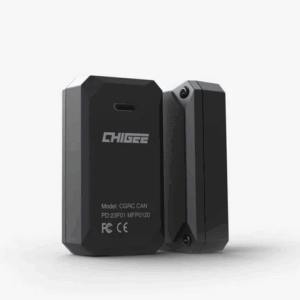
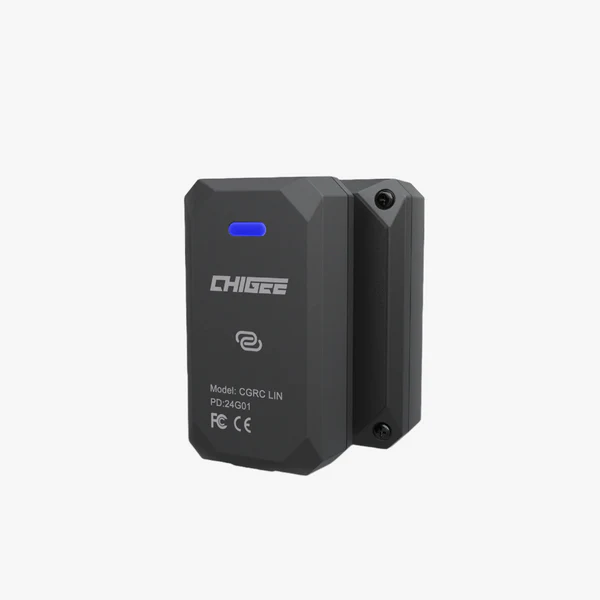
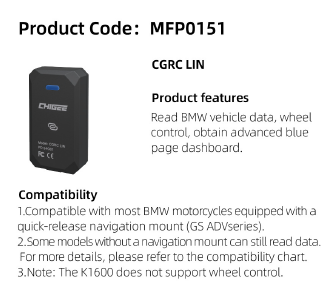
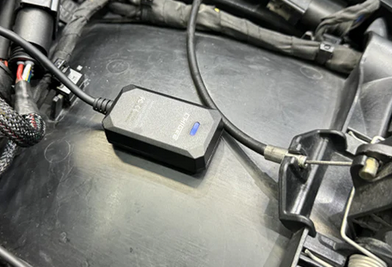
Transform your CHIGEE into a powerful data hub with the CGRC LIN. Gain access to your BMW’s original data and enjoy enhanced control through the Wonder Wheel.
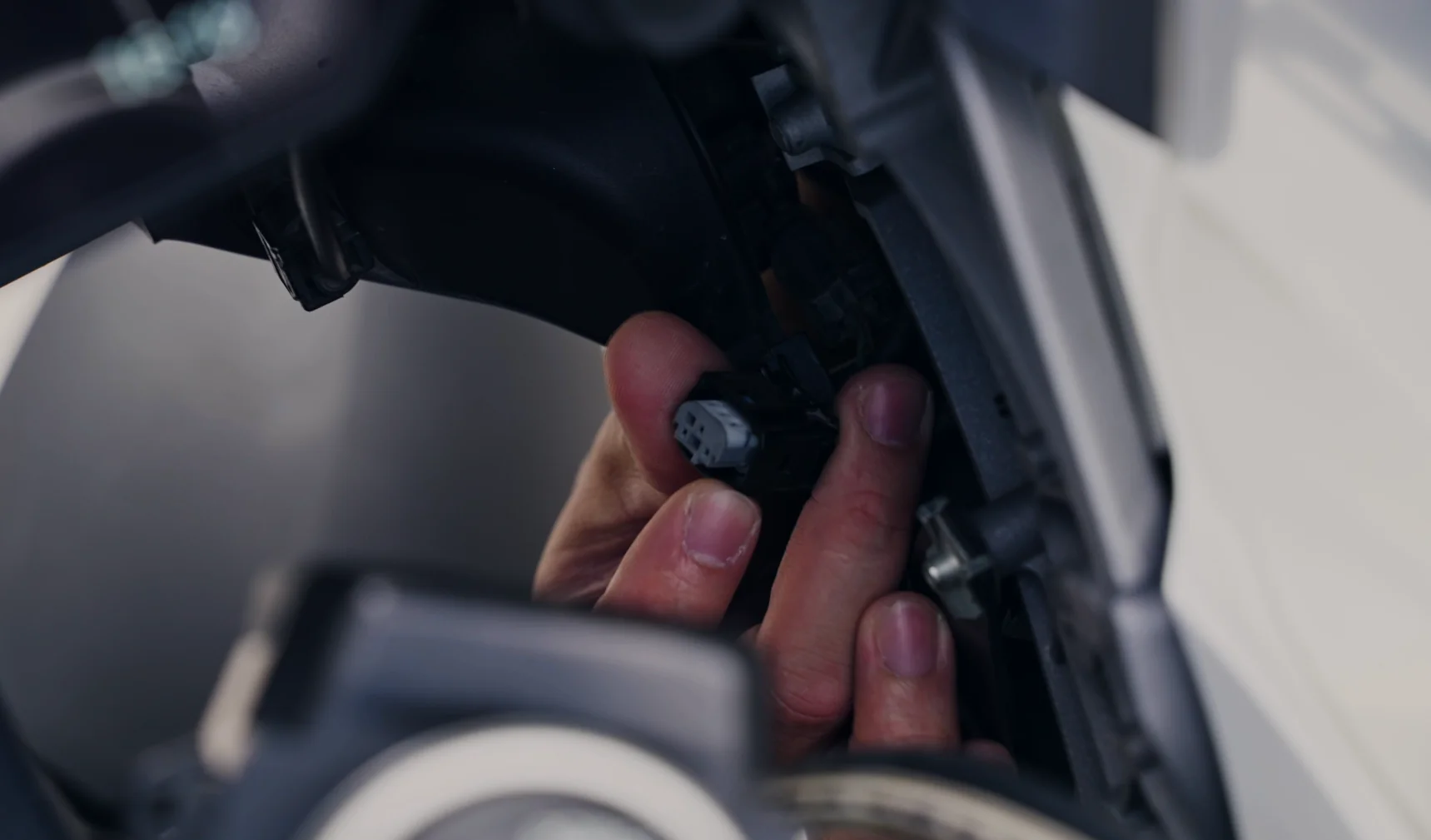
Note: CGRC LIN requires direct insertion into the 3-pin BMW Navigation Interface. Using CGRC LIN will disable the BMW Nav Prep.
Compatible models: F750, F850, F900, S1000 XR, R1200GS ADV, R1250 GS, R1300 GS, and more with 3-pin BMW navigation interface.
Due to BMW’s specific restrictions, some models may not support the full range of features. This limitation is not related to the Chigee product. To ensure compatibility, please check before purchasing.
Is the CGRC LIN compatible with my BMW?
However, we’ve found that some BMW motorcycles are delivered without SA 272 activated from the factory.
Tip:
- If you’re not getting Wonderwheel control after installation, first make sure you’ve selected “CGRC” (not “NAV”) in Settings > Features > RC on your CHIGEE Display.
- Then check whether your bike needs SA 272 activation.
- If Wonderwheel control remains unavailable, we recommend using the CGRC Remote Pro — specially developed by CHIGEE.
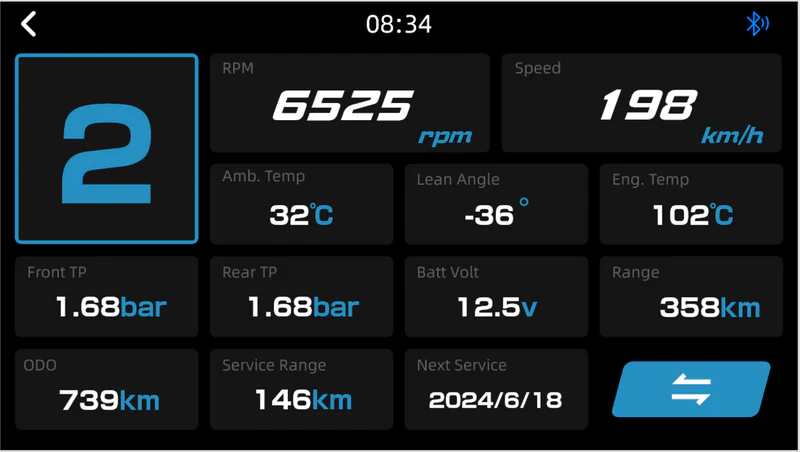
Native data access is made possible by transferring ECU data to the CHIGEE device.
However, for certain models — especially pre-2017 — the required BMW data may not be present on the LIN bus. In such cases, the CHIGEE Display cannot access this data.
If your BMW is listed as supporting “Native data access” but you’re still unable to read data:
- If the CHIGEE Display is receiving power from the BMW Nav Prep and can access Wonderwheel control, the device is functioning normally.
In this case, the issue is likely with your BMW. - In such cases, you should still see the blue CHIGEE dashboard interface appear.
If only partial data is shown, this means your BMW is transmitting limited information. The CHIGEE Display can only display what your BMW provides — it cannot control or expand the data stream.
- If your BMW has a factory-installed TPMS, CHIGEE can directly read the TPMS data — provided your BMW supports data transmission. If your bike does not support data transfer, the TPMS data will not be available to the CHIGEE display.
- If your BMW does not have a factory TPMS, we recommend purchasing the CHIGEE TPMS.
Please note: CHIGEE devices are not compatible with TPMS from other brands.
Check the compatibility
| Model | Years | Native data access | Native Wonder Wheel control | To Access Wonder Wheel Control | Navigation Software(272) Update | 3-Pin Nav Interface |
| F750 GS | 2020-2023 | ✓ | ✓ | – | ✓ | ✓ |
| F800 GS | 2024 | ✓ | ✓ | – | ✓ | ✓ |
| F850 GS | 2018-2024 | ✓ | ✓ | – | ✓ | ✓ |
| F850 GS ADV | 2019-2023 | ✓ | ✓ | – | ✓ | ✓ |
| F900 XR | 2021-2024 | ✓ | ✓ | – | ✓ | ✓ |
| F900 GS | 2024 | ✓ | ✓ | – | ✓ | ✓ |
| F900 GS ADV | 2024 | ✓ | ✓ | – | ✓ | ✓ |
| S1000 XR | 2015-2024 | ✓ | ✓ | – | ✓ | ✓ |
| R1200 GS | 2013-2018 | ✓ | ✓ | – | ✓ | ✓ |
| R1200 GS ADV | 2013-2018 | ✓ | ✓ | – | ✓ | ✓ |
| R1200 RS | 2016-2018 | ✓ | ✓ | – | ✓ | ✓ |
| R1250 RS | 2019-2023 | ✓ | ✓ | – | ✓ | ✓ |
| R1250 GS | 2019-2023 and later | ✓ | ✓ | – | ✓ | ✓ |
| R1250 GS ADV | 2019-2023 | ✓ | ✓ | – | ✓ | ✓ |
| R1300 GS | 2024 | ✓ | ✓ | – | ✓ | ✓ |
| R1300 GS ADV | 2024 | ✓ | ✓ | – | ✓ | ✓ |
| C400 GT | 2019-2023 | ✓ | × | Activate SA 272 | ✓ | ✓ |
| F900 R | 2021-2024 | ✓ | × | Activate SA 272 | ✓ | ✓ |
| S1000 R | 2021-2023 | ✓ | × | Activate SA 272 | ✓ | ✓ |
| S1000 RR | 2019-2024 | ✓ | × | Activate SA 272 | ✓ | ✓ |
| R12 NineT | 2024 | ✓ | × | Activate SA 272 | × | ✓ |
| R1200 R | 2016-2017 | ✓ | × | Activate SA 272 | ✓ | ✓ |
| R1200 R | 2013-2015 | ✓ | × | – | × | ✓ |
| R1200 RT | 2010-2017 | ✓ | × | – | × | ✓ |
| R1250 R | 2019-2023 | ✓ | ✓ | – | × | ✓ |
| R1250 RT | 2020-2023 | ✓ | × | – | × | ✓ |
| K1600 B | 2017-2023 | ✓ | × | – | × | ✓ |
| K1600 GA | 2022-2023 | ✓ | × | – | × | ✓ |
| K1600 GT/L | 2011-2023 | ✓ | × | – | × | ✓ |
| C400 X | 2021 | ✓ | × | – | × | ✓ |
| C400 X | 2019 | ✓ | × | Activate SA 272 | ✓ | ✓ |
| F750 GS Comfort | 2020-2023 | ✓ | × | – | × | ✓ |
| F800 GT | 2013-2023 | ✓ | × | – | × | ✓ |
| F800 R | 2014-2019 | ✓ | × | – | × | ✓ |
| F800 R Sport | 2017-2020 | ✓ | × | – | × | ✓ |
| F800 GS | 2014-2018 | ✓ | × | – | × | ✓ |
| F800 GS ADV | 2013-2018 | ✓ | × | – | × | ✓ |
| S1000 R | 2014-2019 | ✓ | × | – | × | ✓ |
| S1000 RR | 2014-2018 | ✓ | × | – | × | ✓ |
| R NineT | 2014-2023 | ✓ | × | – | × | ✓ |
| R1200 R | 2013-2015 | ✓ | × | – | × | ✓ |

| Model | Features | Installation |
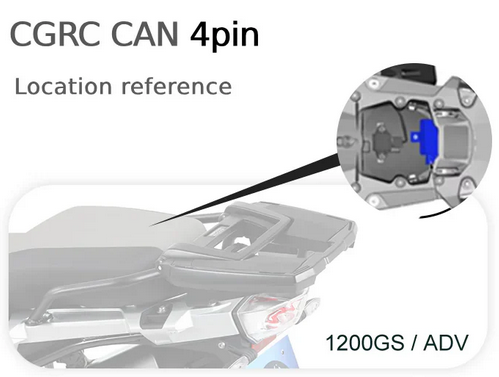
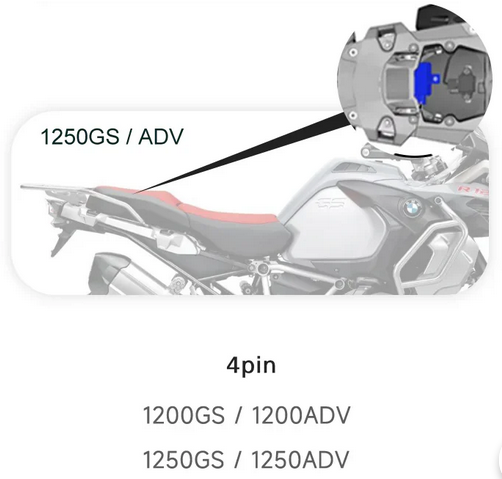
| CGRC CAN | – Wonder wheel control | DWA / RDC Module |
| CGRC LIN | – Reads native BMW data – Wonder wheel control | BMW Nav Interface |
| Remote Pro | – CHIGEE-designed remote | Near the handlebars |